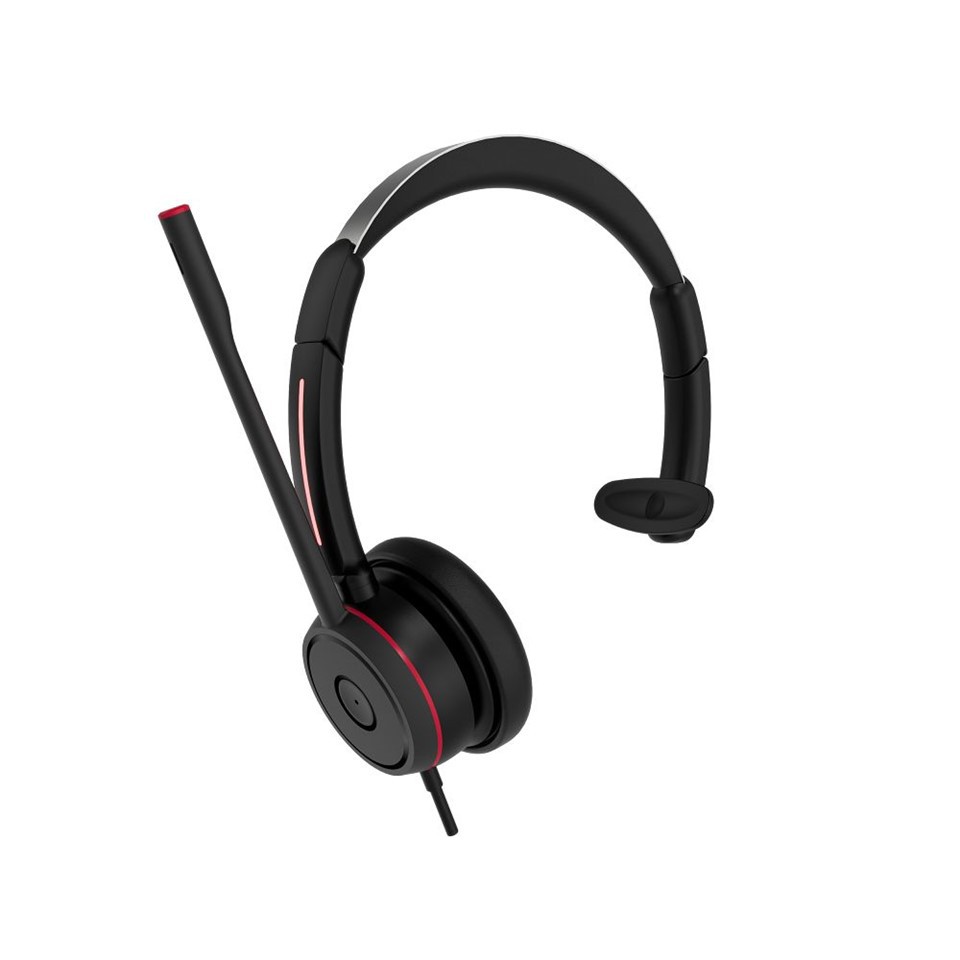
Hey there! As a supplier of Teams Single Ear Headphones, I often get asked some interesting questions. One that popped up recently is, "Can I use Teams single ear headphones for karaoke?" Let's dig into this topic and find out if these nifty little headphones are up for the karaoke challenge.
First off, let's talk a bit about what Teams Single Ear Headphones are all about. These headphones are designed mainly for Microsoft Teams calls. They're super convenient, allowing you to stay connected during work meetings while still being able to hear what's going on around you. You can check out the Best Single-Ear Headset For Team Calls to see some top - notch options.
Now, when it comes to karaoke, we need to consider a few key factors. Karaoke is all about having a great audio experience. You want to hear the music clearly, follow the lyrics, and most importantly, have your voice sound good when you're belting out those tunes.
Sound Quality
The sound quality of Teams Single Ear Headphones is optimized for voice communication. They're engineered to pick up your voice accurately and deliver clear audio during calls. But how does this translate to karaoke?
These headphones usually have a decent frequency response in the mid - range, which is where most of the human voice lies. This means that when you're singing, your voice might come through pretty well. However, karaoke music often has a wide range of frequencies, from deep basslines to high - pitched melodies. Teams Single Ear Headphones might not have the same level of bass or high - end clarity as dedicated karaoke headphones.
For instance, if you're singing a hip - hop song with a heavy bass beat, you might not feel the full impact of the bass through these headphones. On the other hand, if it's a ballad with a lot of high - pitched notes, the details in those notes might not be as crisp. But hey, if you're just having a casual karaoke session at home with friends, the sound quality might still be good enough to have a great time. You can explore Teams Single Ear Headphones to understand their sound capabilities better.

Microphone Performance
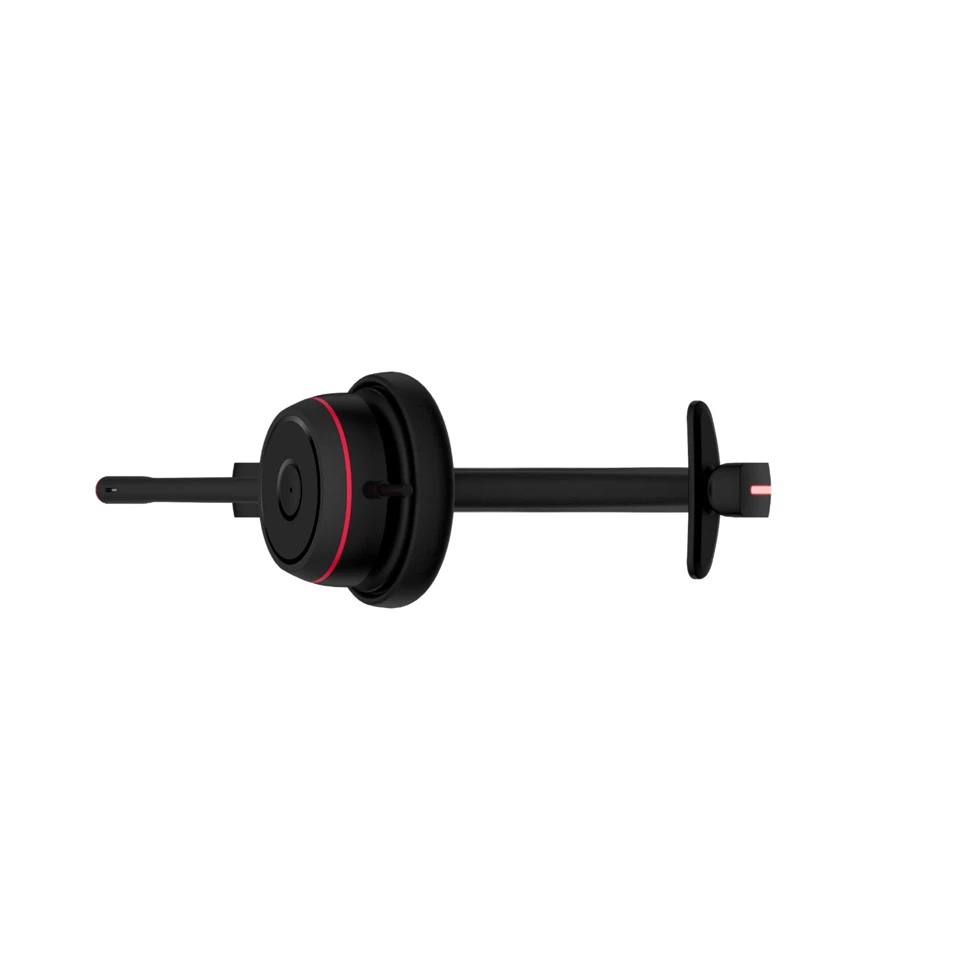
A good microphone is crucial for karaoke. You want it to pick up your voice without any background noise or distortion. Teams Single Ear Headphones come with built - in microphones that are designed to filter out background noise during calls.
This can be a double - edged sword for karaoke. On one hand, it's great because it means that any ambient noise in the room won't be picked up and interfere with your singing. But on the other hand, these microphones are tuned to focus on the voice in a specific way for calls. They might not capture the full richness and nuances of your singing voice.
If you're a professional singer or someone who takes karaoke seriously, you might find that the microphone on these headphones doesn't give you the same level of control and quality as a dedicated karaoke microphone. However, for a fun, impromptu karaoke session, it can still get the job done. You can take a look at the Best Single Ear Headset With Mic to see how the microphones on these headphones perform.
Comfort and Usability
One of the big advantages of Teams Single Ear Headphones is their comfort and usability. They're designed to be worn for long periods during work calls, so they're usually lightweight and easy to adjust.
When it comes to karaoke, comfort is also important. You don't want to be fidgeting with your headphones while you're trying to sing your heart out. These single - ear headphones allow you to keep one ear free, which can be nice if you want to interact with others in the room or hear some of the ambient sounds.
However, some people might find that the single - ear design is a bit limiting for karaoke. With only one ear receiving the audio, you might not get the full stereo effect that you'd get with a traditional pair of headphones. But again, it depends on your personal preference. If you're used to wearing single - ear devices, it might not be an issue at all.
Compatibility
Most Teams Single Ear Headphones are compatible with a wide range of devices, including smartphones, laptops, and tablets. This is great for karaoke because you can easily connect them to your karaoke app or device.
Whether you're using a karaoke app on your phone or a dedicated karaoke machine connected to your laptop, chances are these headphones will work just fine. This makes them a versatile option for karaoke, especially if you like to switch between different devices.
The Verdict
So, can you use Teams single ear headphones for karaoke? The answer is yes, you definitely can. They have their limitations in terms of sound quality and microphone performance compared to dedicated karaoke equipment, but they also have some advantages like comfort, usability, and compatibility.
If you're just looking for a quick and easy way to have some karaoke fun at home, these headphones can be a great option. They're readily available, and you might already have them if you use Microsoft Teams for work. However, if you're a serious karaoke enthusiast or planning to perform in front of an audience, you might want to invest in a more professional karaoke setup.
Why Choose Our Teams Single Ear Headphones?
As a supplier, I can tell you that our Teams Single Ear Headphones are top - notch. We've put a lot of effort into ensuring that they offer the best possible performance for both work calls and other uses like karaoke.
Our headphones are made with high - quality materials, so they're durable and comfortable to wear. The sound quality is clear, and the microphones are designed to pick up your voice accurately. Plus, we offer a wide range of models to suit different needs and budgets.
If you're interested in our Teams Single Ear Headphones for karaoke or work, we'd love to have a chat with you. Whether you're a small business looking to equip your team or an individual who wants a great pair of headphones, we can help you find the right product.
If you're thinking about making a purchase or just want to learn more, don't hesitate to reach out. We're here to answer all your questions and guide you through the process.
References
- General knowledge about audio equipment and karaoke
- Product specifications of Teams Single Ear Headphones