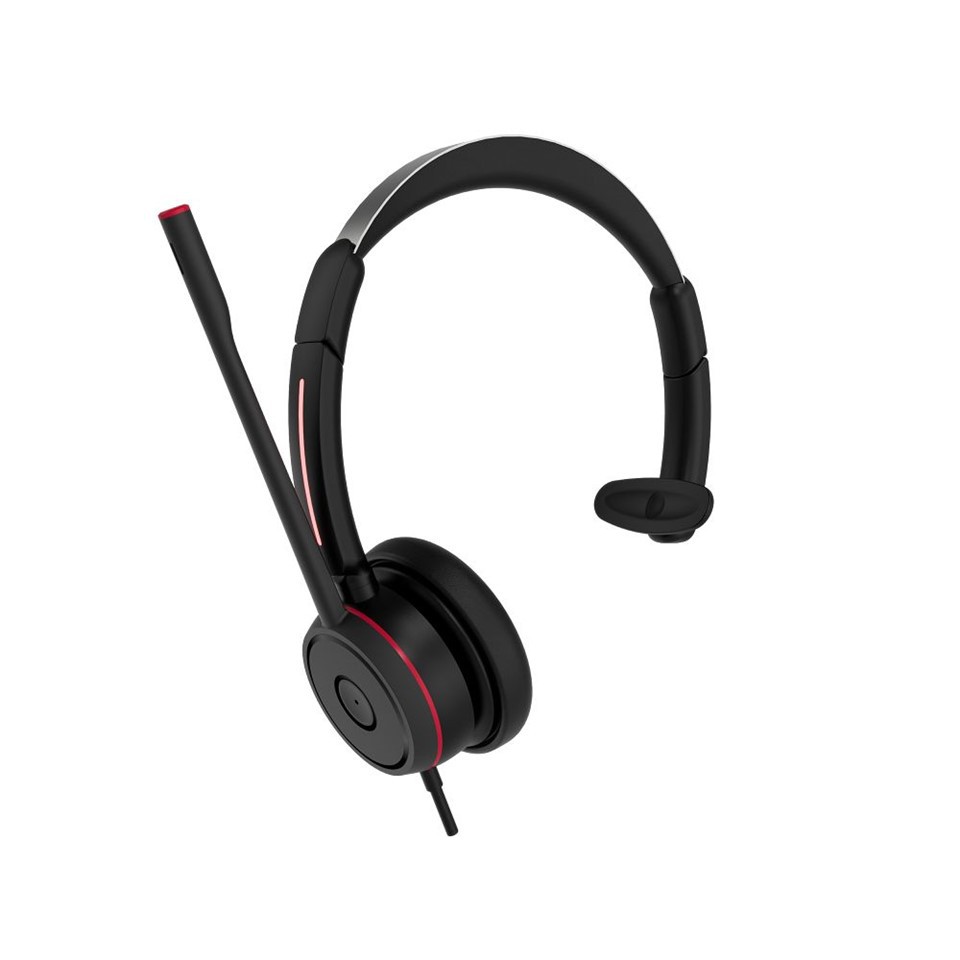
Hey there! As a supplier of Microsoft Teams headsets, I get asked a ton of questions about compatibility, and one that comes up pretty often is, "Do Microsoft Teams headsets work with Linux?" Well, let's dive right into it and find out.
First off, it's important to understand that Microsoft Teams is a big deal in the business world. It's used for everything from daily meetings to collaborating on projects, and having the right headset can make a world of difference. Now, Linux is also a popular operating system, especially among tech - savvy users and those who prefer open - source software. So, the question of compatibility is totally valid.
General Compatibility
In most cases, a good number of Microsoft Teams headsets do work with Linux. The key here is to look at the type of connection the headset uses. For example, USB headsets are generally more likely to be compatible with Linux. Why? Well, Linux has pretty good support for USB devices out of the box. Most modern Linux distributions come with a set of drivers that can recognize common USB audio devices, and that includes many Microsoft Teams headsets.
Take the Teams Usb Headset for instance. This headset is designed to be plug - and - play, which means you can simply plug it into your Linux machine, and in many cases, it'll just work. The Linux kernel has the ability to detect the device and configure it for audio input and output. You might need to do a bit of tweaking in your system's audio settings to make sure it's set as the default input and output device, but that's usually a pretty straightforward process.
Wired Headsets and Linux
Now, let's talk about wired headsets. The Wired Teams Headset Dual Ear Noise is a great option for those who prefer a more traditional setup. These types of headsets often use a combination of audio jacks (3.5mm for audio and microphone). Linux has been improving its support for these types of connections over the years.
Most Linux distributions can recognize the audio input and output from a standard 3.5mm jack. However, you might run into some issues with the microphone settings. Sometimes, the microphone might not pick up your voice properly, or there could be some background noise. In these cases, you can usually adjust the microphone settings in your Linux audio manager. You can play around with the gain levels, which control how sensitive the microphone is. You might also need to check if there are any software - based noise - cancellation features in your Linux system that you can enable to improve the audio quality.
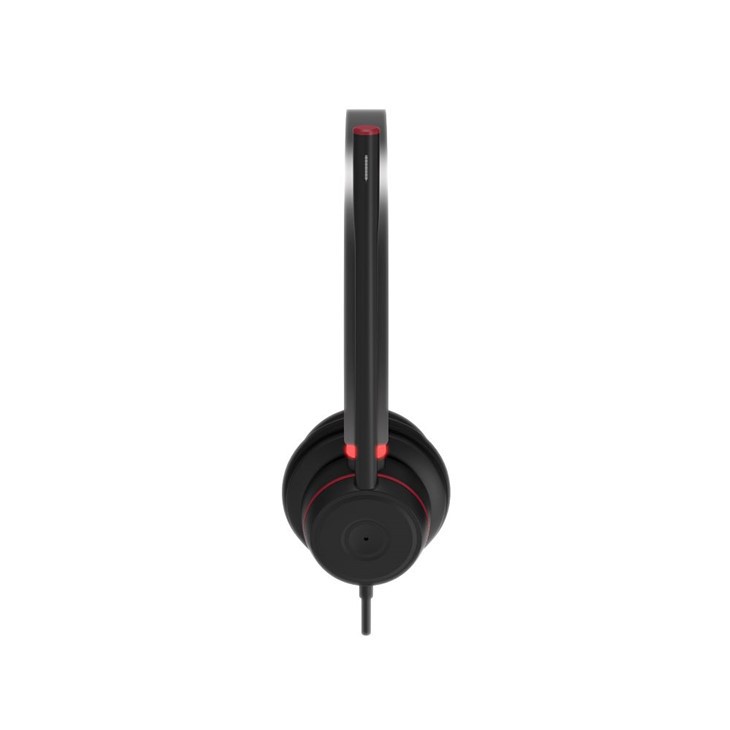

Bluetooth Headsets and Linux
Bluetooth headsets are another popular choice, especially for those who want more freedom of movement during their Teams meetings. But when it comes to using them with Linux, things can get a bit more complicated. Linux has made significant strides in Bluetooth support, but it still varies depending on the distribution and the specific headset model.
Some Microsoft Teams Bluetooth headsets might work right away. You'll need to make sure your Linux system has Bluetooth enabled and that you pair the headset correctly. In some cases, you might need to install additional Bluetooth drivers or software to get the best performance. And even then, you might experience some occasional drop - outs or audio glitches. It's always a good idea to check the headset's manufacturer website for any Linux - specific firmware updates or troubleshooting guides.
Finding the Best Headphones for Teams Meetings on Linux
If you're looking for the Best Headphones For Teams Meetings that work well with Linux, there are a few things to keep in mind. First, look for headsets that have good reviews for Linux compatibility. You can check online forums and user communities where people share their experiences with different headsets on Linux.
Also, consider the features you need. If you're in a noisy environment, a headset with noise - cancellation features is a must. And if you're going to be on long meetings, comfort is key. Look for headsets with adjustable headbands and soft ear cushions.
Troubleshooting Compatibility Issues
If you do run into issues with your Microsoft Teams headset on Linux, don't worry. There are a few steps you can take to troubleshoot. First, make sure your Linux system is up - to - date. Sometimes, a simple software update can fix compatibility issues. You can also try restarting your system and the headset. Sometimes, a fresh start can clear up any temporary glitches.
If the problem persists, check the audio settings in your Linux system. Make sure the headset is selected as the default input and output device. You can also try plugging the headset into a different USB port or audio jack to see if that makes a difference. And if all else fails, reach out to the headset's manufacturer support. They might have specific solutions or workarounds for Linux users.
Why It's Worth Making It Work
Using a Microsoft Teams headset on Linux can be a great combo. If you're a Linux user who relies on Teams for work or communication, having a good headset can enhance your overall experience. You'll be able to communicate more clearly, and it can make your meetings more productive. And as a supplier, I've seen firsthand how the right headset can make a big difference in how people use Teams.
Let's Talk Business
If you're in the market for a Microsoft Teams headset that works well with Linux, I'd love to chat with you. Whether you're a small business looking to outfit your team or an individual user looking for the perfect headset, I can help you find the right product. I've got a wide range of headsets to choose from, each with its own set of features and benefits. So, if you're interested in learning more or making a purchase, feel free to reach out and let's start the conversation.
References
- Linux Kernel Documentation on Audio Support
- Microsoft Teams User Guides
- Online Forums for Linux and Audio Devices