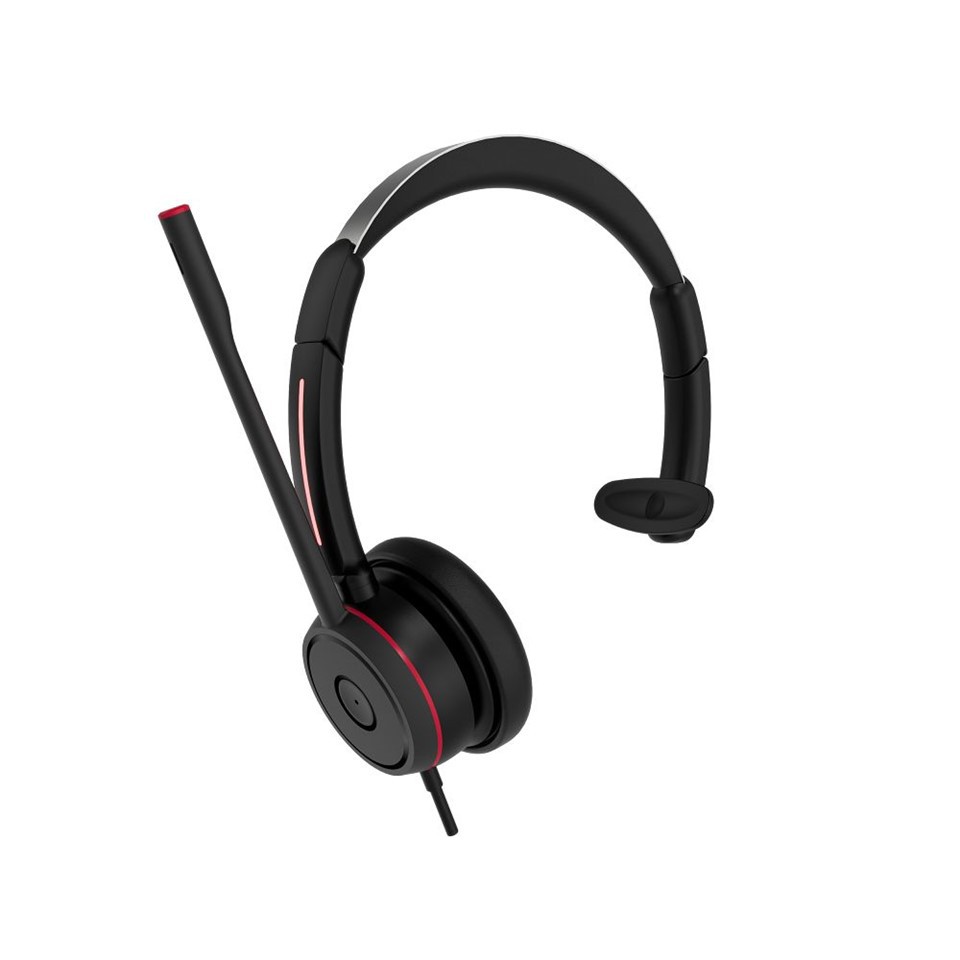
As a supplier of Usb Mono Headset with Microphone, I understand the importance of optimizing the performance of these devices. In this blog post, I will share some practical tips and strategies to help you get the most out of your Usb Mono Headset with Microphone.
1. Choose the Right Environment
The environment in which you use your headset can significantly impact its performance. For clear audio input and output, it's crucial to select a quiet place. Background noise can interfere with the microphone's ability to pick up your voice accurately and can also affect the sound quality you hear through the earpiece.
If you're in an office setting, consider using a noise - canceling feature if your headset supports it. This can help reduce ambient noise such as the hum of air conditioners, chatter from colleagues, or the clatter of keyboards. In a home environment, try to find a room away from high - traffic areas or noisy appliances.
2. Check the USB Connection
A stable USB connection is essential for optimal performance. First, make sure that the USB port on your device is clean and free of dust or debris. A dirty port can cause intermittent connections, leading to audio dropouts or poor sound quality.
Inspect the USB plug of your headset for any signs of damage. Bent pins or frayed wires can prevent the headset from functioning correctly. If you're using a USB extension cable, ensure that it is of good quality and has the appropriate power rating. Low - quality cables may not provide enough power to the headset, resulting in reduced performance.
3. Adjust the Microphone Position
The position of the microphone can have a huge impact on its ability to capture your voice clearly. Most Usb Mono Headsets with Microphones are designed to be worn on the left or right side of the head. Position the microphone close to your mouth, usually about 2 - 3 inches away. This distance allows the microphone to pick up your voice without being overwhelmed by breath noise.
Avoid covering the microphone with your hand or other objects. If you need to adjust the microphone, do it gently to prevent any damage to the internal components. Some headsets come with adjustable microphone booms, which can be bent to the optimal position for your comfort and voice capture.
4. Update Device Drivers
Device drivers are software that allows your operating system to communicate with the headset. Outdated drivers can cause compatibility issues and lead to sub - optimal performance. Check the manufacturer's website regularly for driver updates for your Usb Mono Headset with Microphone.
To update the drivers on a Windows computer, you can go to the Device Manager, find the audio device related to your headset, right - click on it, and select "Update driver." On a Mac, the operating system usually takes care of driver updates automatically, but you can also check for software updates regularly to ensure that your system has the latest compatibility improvements.
5. Optimize Audio Settings
Both your computer's operating system and the headset itself may have audio settings that can be adjusted for better performance. On Windows, you can access the audio settings by right - clicking on the volume icon in the taskbar and selecting "Sounds." Here, you can adjust the volume levels of the headset, as well as other audio parameters such as balance and equalizer settings.
Some headsets also come with their own software that allows for more advanced audio customization. For example, you can adjust the microphone sensitivity, enhance bass or treble, or enable features like noise cancellation. Install the software provided by the headset manufacturer and explore these settings to find the configuration that suits your needs best.
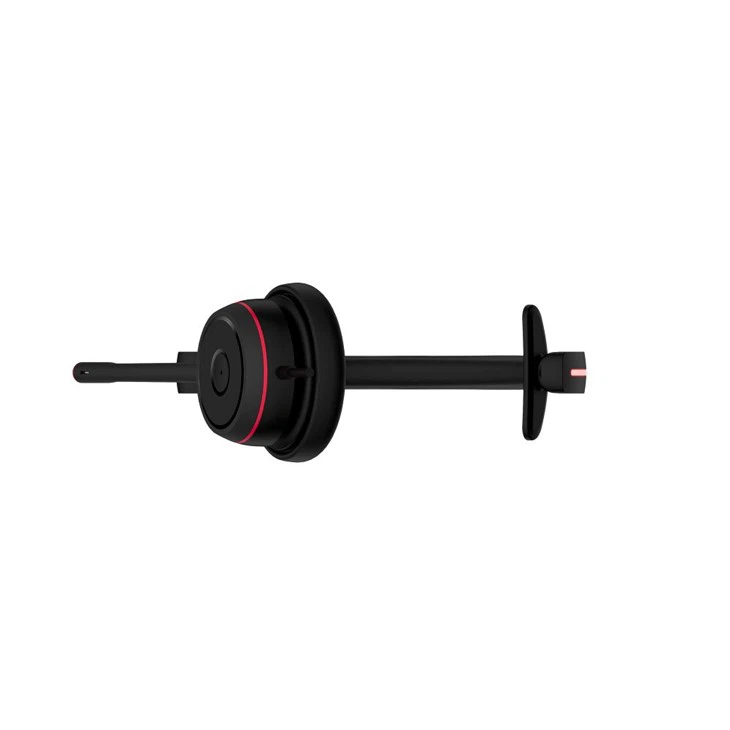
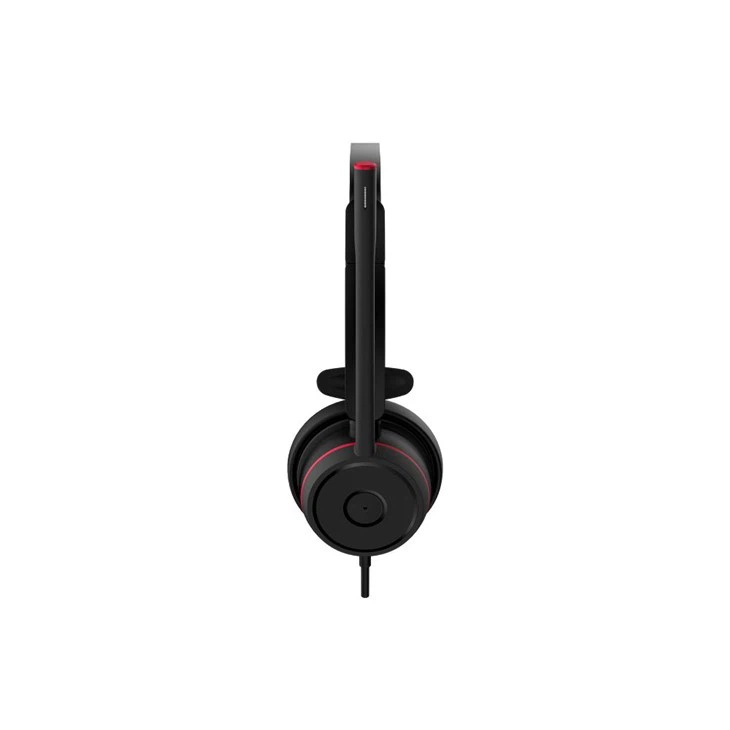
6. Clean the Headset Regularly
Over time, dirt, sweat, and earwax can accumulate on the headset, affecting its performance and hygiene. Use a soft, dry cloth to wipe the earpiece and microphone regularly. For more stubborn dirt, you can slightly dampen the cloth with water or a mild cleaning solution, but make sure to wring it out thoroughly to avoid getting any liquid inside the headset.
If the ear cushions are removable, take them off and wash them according to the manufacturer's instructions. Clean ear cushions not only improve comfort but also help maintain good sound quality by ensuring a proper seal around your ear.
7. Consider Audio Accessories
There are several audio accessories that can enhance the performance of your Usb Mono Headset with Microphone. For example, a pop filter can be attached to the microphone to reduce plosive sounds (such as "p" and "b" sounds) that can cause distortion. Pop filters are relatively inexpensive and can make a noticeable difference in the clarity of your voice recordings or calls.
A microphone windscreen can also be useful if you're using the headset outdoors or in windy conditions. It helps to reduce wind noise and ensures that your voice is captured clearly.
8. Test and Troubleshoot
Regularly test your headset to ensure that it is performing at its best. You can do this by making a test call, recording a short audio clip, or listening to music. If you notice any issues such as poor sound quality, audio dropouts, or microphone problems, start troubleshooting.
Check all the connections again, make sure the volume levels are set correctly, and try restarting your device. If the problem persists, contact the headset manufacturer's customer support for further assistance.
Conclusion
Optimizing the performance of a Usb Mono Headset with Microphone requires a combination of proper usage, regular maintenance, and appropriate settings adjustments. By following the tips outlined in this blog post, you can ensure that your headset provides clear audio, reliable performance, and a comfortable user experience.
If you're in the market for a high - quality Usb Mono Headset with Microphone, we are a leading supplier offering a wide range of products. Our headsets are designed with the latest technology to provide excellent sound quality and durability. To explore our selection of Usb Mono Headset with Microphone, Best Mono Earphones, and Single Headset With Mic, visit our website. If you have any questions or are interested in bulk purchasing, feel free to reach out to us for a discussion. We look forward to serving your audio needs.
References
- "Audio Engineering Handbook" by F. Alton Everest and Ken Pohlmann
- Manufacturer's user manuals for Usb Mono Headsets with Microphones