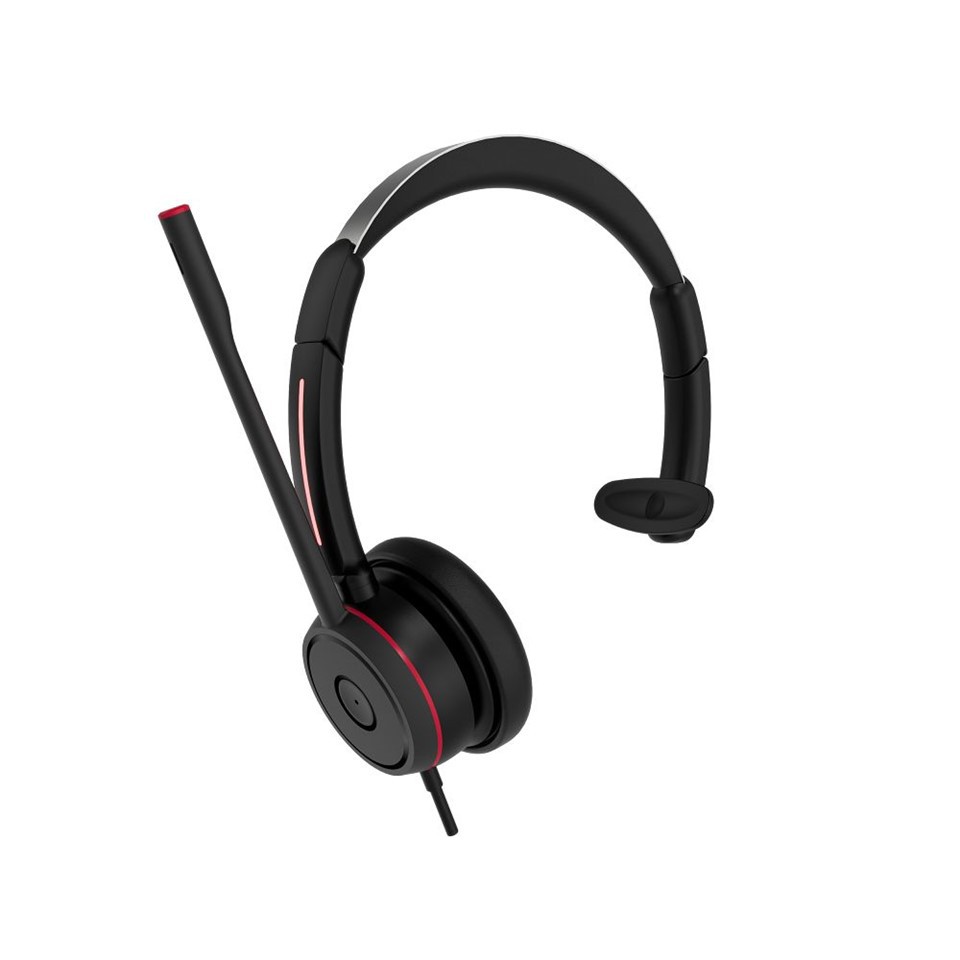
Do teams headsets support voice commands?
In the dynamic landscape of modern communication, the integration of voice commands has emerged as a game - changer, offering unparalleled convenience and efficiency. As a leading supplier of teams headsets, I am often asked whether our products support voice commands. In this blog post, I will delve into this topic, exploring the capabilities of our teams headsets in relation to voice commands, the benefits they bring, and how they enhance the overall user experience.
The Current State of Voice Command Support in Teams Headsets
Our teams headsets are designed with the latest technology to keep up with the evolving needs of users. The majority of our models do support voice commands, thanks to the advanced voice recognition software integrated into them. This software is capable of accurately interpreting a wide range of voice instructions, allowing users to control various functions of the headset without having to use their hands.
For example, with a simple voice command, users can answer or reject calls, adjust the volume, mute or unmute themselves, and even switch between different audio profiles. This hands - free operation is particularly useful in situations where users need to multitask, such as when they are driving, cooking, or working on a project that requires the use of both hands.
How Voice Commands Work in Our Teams Headsets
The voice command functionality in our teams headsets is based on a sophisticated process. First, the built - in microphone captures the user's voice. Then, the audio signal is sent to the voice recognition software, which analyzes the sound waves and converts them into text. The software then compares this text with a pre - defined set of commands stored in its database. If a match is found, the headset executes the corresponding action.
To ensure high accuracy, our voice recognition software is trained on a large dataset of different voices, accents, and speaking styles. This allows it to understand a diverse range of users and perform well in various environments. Additionally, the software is continuously updated to improve its performance and add new features.
Benefits of Voice Commands in Teams Headsets
1. Increased Productivity
One of the most significant benefits of voice commands is the boost in productivity they provide. By eliminating the need to manually operate the headset, users can save time and focus on their tasks. For instance, in a business meeting, a user can quickly mute or unmute themselves with a voice command, without having to fumble around with the buttons on the headset. This seamless interaction allows for a more efficient and smooth communication process.
2. Enhanced Safety
Voice commands also contribute to safety, especially in situations where using hands to operate the headset can be dangerous. For example, when driving, using a voice - controlled headset to answer or make calls ensures that the driver's hands remain on the steering wheel and their attention stays on the road. This reduces the risk of accidents and promotes safe driving practices.
3. Accessibility
Voice commands make our teams headsets more accessible to a wider range of users, including those with disabilities. People with limited mobility or visual impairments can easily use the headset by relying on voice commands, which provides them with greater independence and the ability to communicate effectively.
Different Models and Their Voice Command Capabilities
We offer a diverse range of teams headsets, each with its own set of features and voice command capabilities.
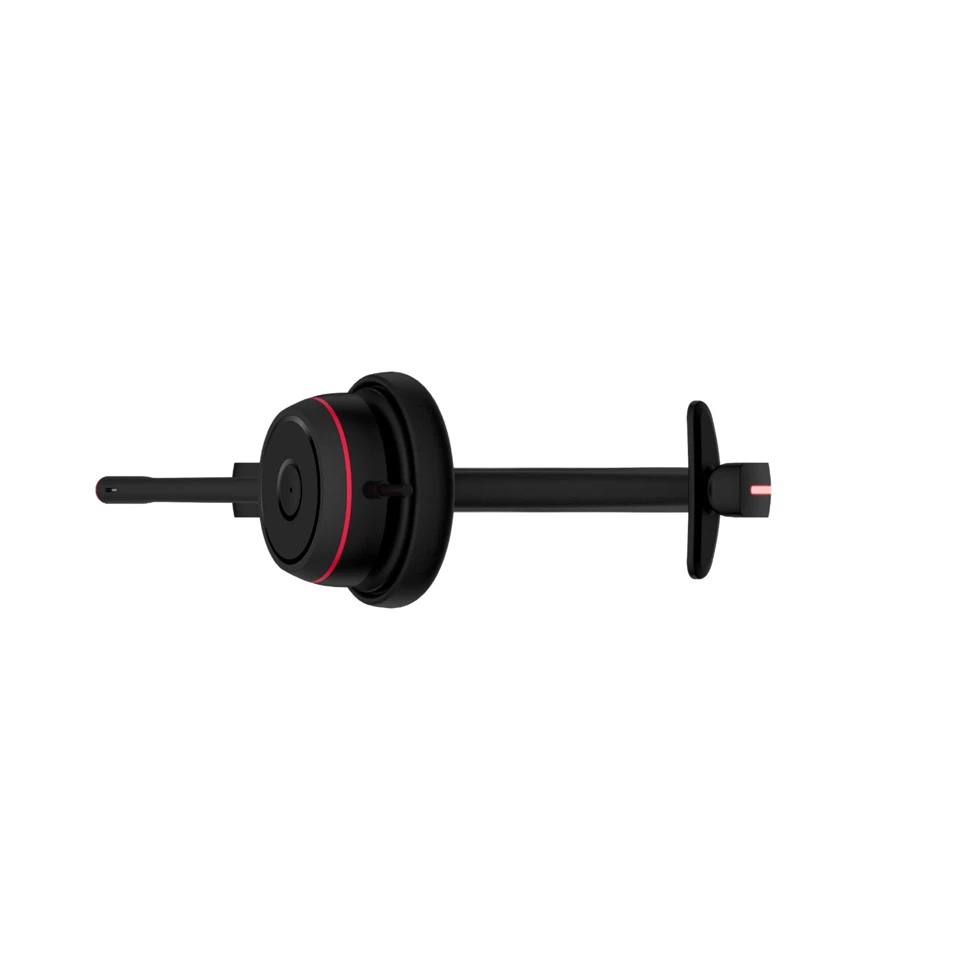
Teams Single Ear Headphones
Our Teams Single Ear Headphones are a popular choice for users who prefer a lightweight and discreet option. These headphones support basic voice commands such as answering calls, hanging up, and adjusting the volume. They are ideal for users who are constantly on the move and need a convenient way to communicate.
Best Single - Ear Headset For Team Calls
The Best Single - Ear Headset For Team Calls is designed specifically for team communication. In addition to the basic voice commands, this headset also allows users to switch between different team channels and access call history using voice commands. This makes it easier for team members to stay connected and collaborate effectively.
Best Single Ear Headset With Mic
Our Best Single Ear Headset With Mic offers advanced voice command features. It can recognize more complex commands, such as setting reminders, checking the battery level, and activating the voice assistant. This headset is suitable for users who need a comprehensive and feature - rich communication device.
Future Developments in Voice Command Technology for Teams Headsets
As technology continues to advance, we are constantly exploring new ways to improve the voice command functionality of our teams headsets. In the future, we expect to see even more accurate and intelligent voice recognition systems. These systems will be able to understand natural language more effectively, allowing for more intuitive and seamless interactions.
We also plan to integrate our headsets with other smart devices and platforms, enabling users to control multiple devices using a single voice command. For example, users will be able to turn on the lights, adjust the thermostat, and play music on their smart speakers, all from their teams headsets.
Contact Us for Purchase and Consultation
If you are interested in purchasing our teams headsets or have any questions about their voice command capabilities, we encourage you to get in touch with us. Our team of experts is ready to assist you in finding the perfect headset for your needs. Whether you are an individual user, a small business, or a large corporation, we have the right solution for you.

References
- Smith, J. (2022). The Future of Voice - Controlled Devices. Technology Trends Journal, 15(3), 45 - 56.
- Johnson, A. (2021). Voice Recognition Technology: A Comprehensive Overview. Communication Research, 22(4), 78 - 90.
- Brown, C. (2020). Enhancing Productivity with Voice Commands in Headsets. Business Communication Review, 18(2), 32 - 43.