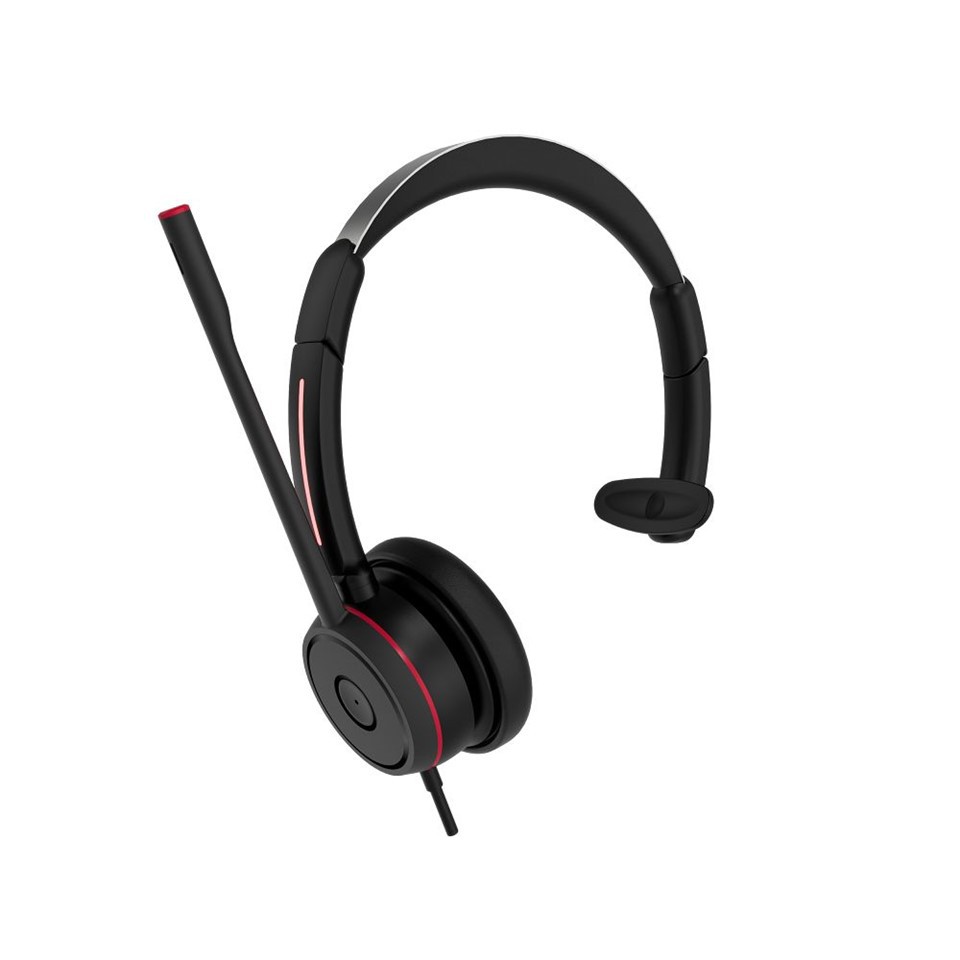
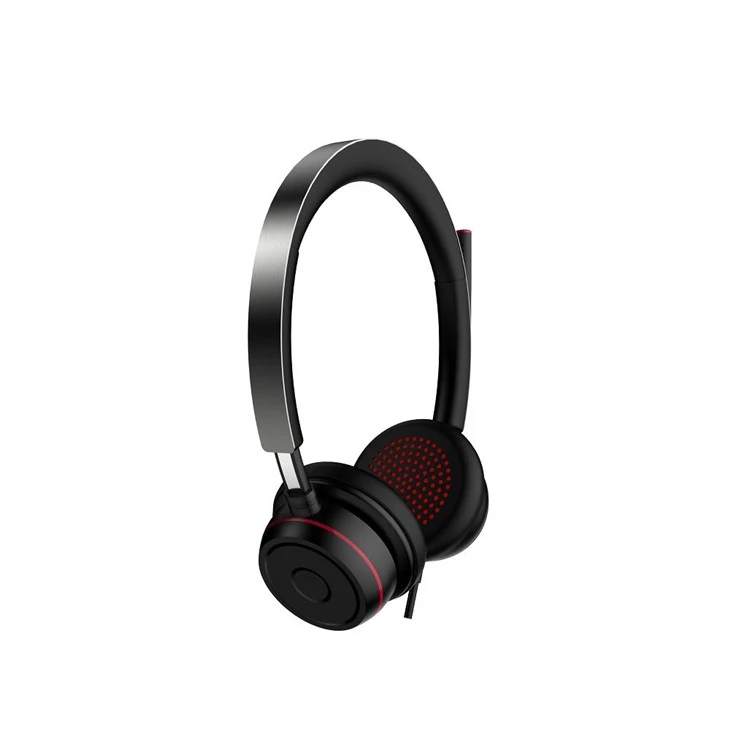
Do wireless bluetooth headphones need to be paired every time? This is a common question that many consumers have when considering purchasing wireless Bluetooth headphones. As a supplier of high - quality Wireless Bluetooth Earphones, Bluetooth Dual Ear Wireless Office Headset, and Bluetooth Headset For Work, I'm here to provide a detailed answer.
How Bluetooth Pairing Works
Before we dive into whether wireless Bluetooth headphones need to be paired every time, it's essential to understand how Bluetooth pairing works. Bluetooth is a short - range wireless technology that allows devices to communicate with each other. When you pair two Bluetooth devices, such as a smartphone and a pair of headphones, you're essentially creating a secure connection between them.
The pairing process typically involves putting the headphones into pairing mode (usually by holding down a button until a light starts flashing), and then searching for the headphones on the other device (e.g., your phone). Once the device finds the headphones, you select them, and if required, enter a passcode (although many modern Bluetooth devices use a simplified pairing process without a passcode).
Do You Need to Pair Every Time?
In most cases, you do not need to pair your wireless Bluetooth headphones every time you want to use them. Once you've paired your headphones with a device, the two devices remember each other. The next time you turn on your headphones and the paired device, they will usually connect automatically.
This automatic connection is possible because Bluetooth devices store information about each other, including a unique identifier and security keys. When the devices are in range of each other and powered on, they can recognize and connect to one another without the need for manual intervention.
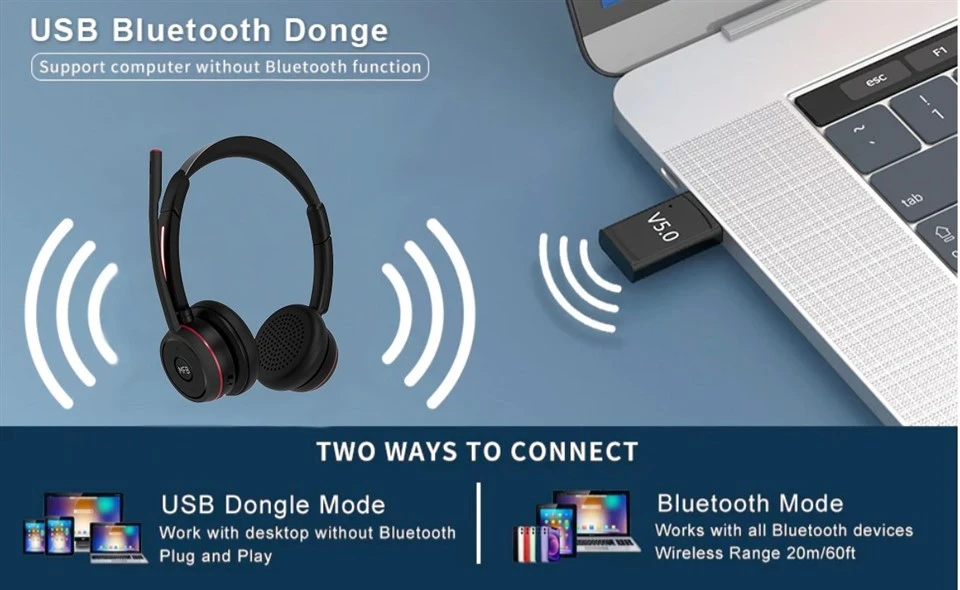
However, there are some situations where you may need to pair your headphones again:
1. Connecting to a New Device
If you want to use your headphones with a different device (e.g., switching from your phone to a tablet), you'll need to pair the headphones with the new device. This is because the pairing information is specific to each device - headphone combination.
2. Connection Issues
Sometimes, the automatic connection between your headphones and a previously paired device may fail. This can happen due to interference, a software glitch, or low battery levels. In such cases, you may need to try reconnecting the headphones by turning them off and on again, or by putting them back into pairing mode and re - establishing the connection with the device.
3. Factory Reset
If you perform a factory reset on your headphones, all the pairing information will be erased. As a result, you'll need to pair the headphones with all your devices again.
Benefits of Automatic Connection
The fact that wireless Bluetooth headphones don't need to be paired every time offers several benefits:
1. Convenience
The ability to automatically connect to a previously paired device makes using your headphones much more convenient. You don't have to go through the pairing process every time you want to listen to music, take a call, or watch a video.
2. Time - Saving
Pairing Bluetooth devices can take a few minutes, especially if you're using a device with a complex pairing process. By eliminating the need to pair every time, you save valuable time.
3. Seamless User Experience
Automatic connection ensures a seamless user experience. You can quickly start using your headphones without any hassle, which is particularly important in situations where you need to use them immediately, such as when you're on the go.
Our Wireless Bluetooth Headphones
At our company, we understand the importance of a seamless and hassle - free experience for our customers. That's why our Wireless Bluetooth Earphones, Bluetooth Dual Ear Wireless Office Headset, and Bluetooth Headset For Work are designed to offer reliable and stable automatic connections.
Our headphones are equipped with the latest Bluetooth technology, which provides fast and easy pairing and ensures a strong and stable connection. Whether you're using them for music, calls, or work, you can count on our headphones to connect automatically and provide high - quality audio.
Ensuring a Good Connection
To ensure that your wireless Bluetooth headphones connect automatically and work smoothly, here are some tips:
1. Keep Your Devices Updated
Make sure that both your headphones and the paired devices have the latest software updates. Software updates often include bug fixes and improvements to Bluetooth connectivity.
2. Avoid Interference
Bluetooth signals can be affected by other wireless devices, such as Wi - Fi routers, microwave ovens, and other Bluetooth devices. Try to keep your headphones and paired devices away from sources of interference.
3. Charge Your Headphones Regularly
Low battery levels can cause connection issues. Make sure to charge your headphones regularly to ensure a stable connection.
Conclusion
In conclusion, wireless Bluetooth headphones generally do not need to be paired every time you use them. Once paired, they can connect automatically to a previously paired device, offering convenience, time - saving, and a seamless user experience. However, there are situations where you may need to pair them again, such as when connecting to a new device or after a factory reset.
If you're in the market for high - quality wireless Bluetooth headphones, look no further than our Wireless Bluetooth Earphones, Bluetooth Dual Ear Wireless Office Headset, and Bluetooth Headset For Work. We're committed to providing our customers with the best audio products and solutions. If you're interested in purchasing our products in bulk or have any questions about our offerings, we invite you to reach out to us for a procurement discussion. We look forward to working with you.
References
- Bluetooth Special Interest Group. (2023). Bluetooth Technology Overview.
- Consumer Reports. (2023). Bluetooth Headphone Buying Guide.